How to make a visual novel on your phone
Paperbox is a free visual novel maker for iPhone, iPad and Android, with no coding at all. You lay a story out beat by beat on a strip you can drag to reorder, the way you would move slides around, and publish it to a link from the phone in your hand. Here is the whole thing, start to finish.
What you need
A phone. That is not a figure of speech: Paperbox runs on iPhone, iPad and Android, and everything below happens on the device in your hand. There is no desktop version to graduate to and no engine to install.
A drawing app helps if you want your own art, and the next section says which ones people use. You do not need one to start. Plenty of good visual novels are text on a colour, and you can always draw over them later.
You do not need an account until the moment you want a link to share, and you never need to write code.
Drawing on a phone
Paperbox does not draw. It puts your pictures on a stage and gives them words, which means you draw wherever you already like drawing and bring the files over. If you have never drawn on a phone, these are the three apps almost everybody starts with.
 ibisPaint XFree on iOS and Android, with layers, pressure and a huge library of brushes. The usual first answer, and the one that costs nothing to try.
 ProcreateiPad, a one-off payment, no subscription. If you have an iPad and an Apple Pencil this is the one artists reach for. Procreate Pocket is the iPhone version and is bought separately.
 MediBang PaintFree, and the same app on phone, tablet and desktop with cloud sync between them. Built around comics, which is close enough to visual novels to be useful.
Two practical things whatever you use. Draw characters on a transparent background and export them as PNG, or they arrive with a white box around them. And draw bigger than you think: 1920 by 1080 is the size Paperbox gives a new game, so a backdrop at that size will not go soft.
Where to get art, music and fonts for free
You do not have to draw everything, and for a first game you probably should not. Finishing something small teaches more than an unfinished beautiful thing, and there is a lot of work out there that people have deliberately made free to use.
- itch.io asset packsBackgrounds, sprites, UI, music. Filter to free and sort by popular. The same site your game can be published to, which makes the licence terms easy to read in context.
- OpenGameArtOlder and plainer than itch, and still one of the largest piles of openly licensed game art anywhere.
- KenneyThousands of assets released into the public domain, so there is nothing at all to comply with. Mostly not visual novel art, but the UI and audio are useful.
- Google FontsOpen-licensed fonts, free for anything including commercial work. A font choice changes how a visual novel feels more than almost any other single decision.
- FreesoundDoors, rain, footsteps, room tone. Licences vary per sound and are stated on each page.
- IncompetechKevin MacLeod’s library. Free to use with credit, and you have already heard half of it.
Read the licence before you use anything, and keep a note of what came from where. CC0 and public domain mean do whatever you like. CC-BY means credit the author, which costs you one line at the end of your game. Some packs are free for personal use only, which matters the day you decide to sell something. Paperbox hosts your finished game, not your source art, so the licence is yours to honour.
Get Paperbox
It is free, and you do not need an account to start.
- Download it from the App Store or Google Play.
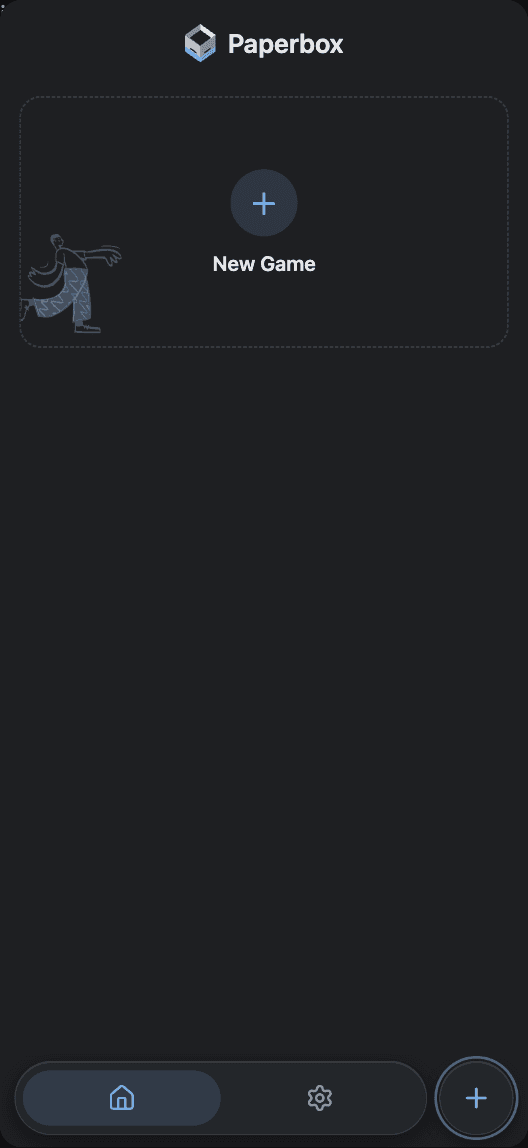
- Open it and you are on Home, which is where every game you make will live.
- You only need to sign in later, when you want a link to share. Making games needs nothing.
Make your first game
A game is one project. You can have as many as you like.
- Tap New Game.
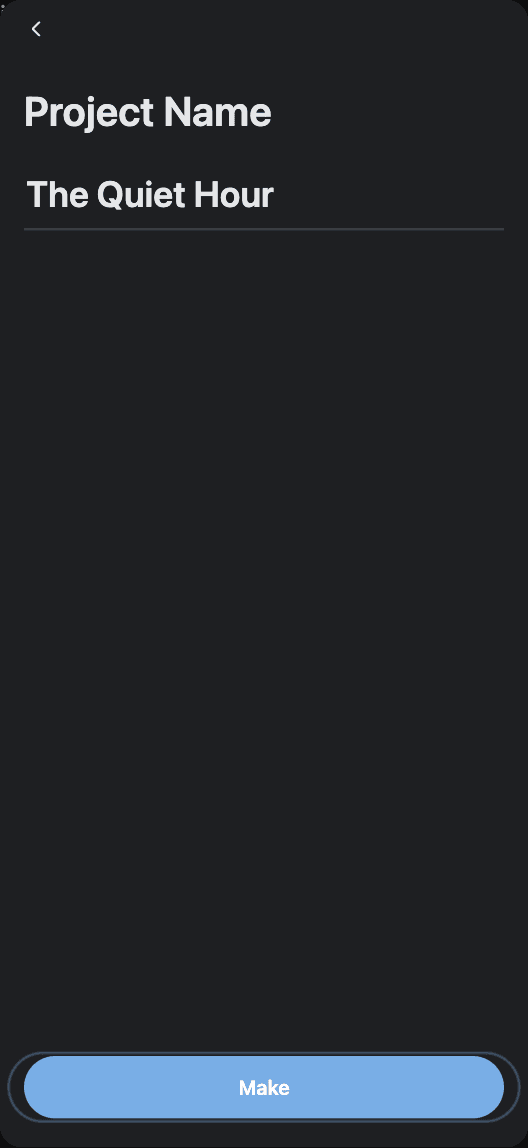
- Give it a name. You can change it later.
- Tap Make. That is the only question it asks.
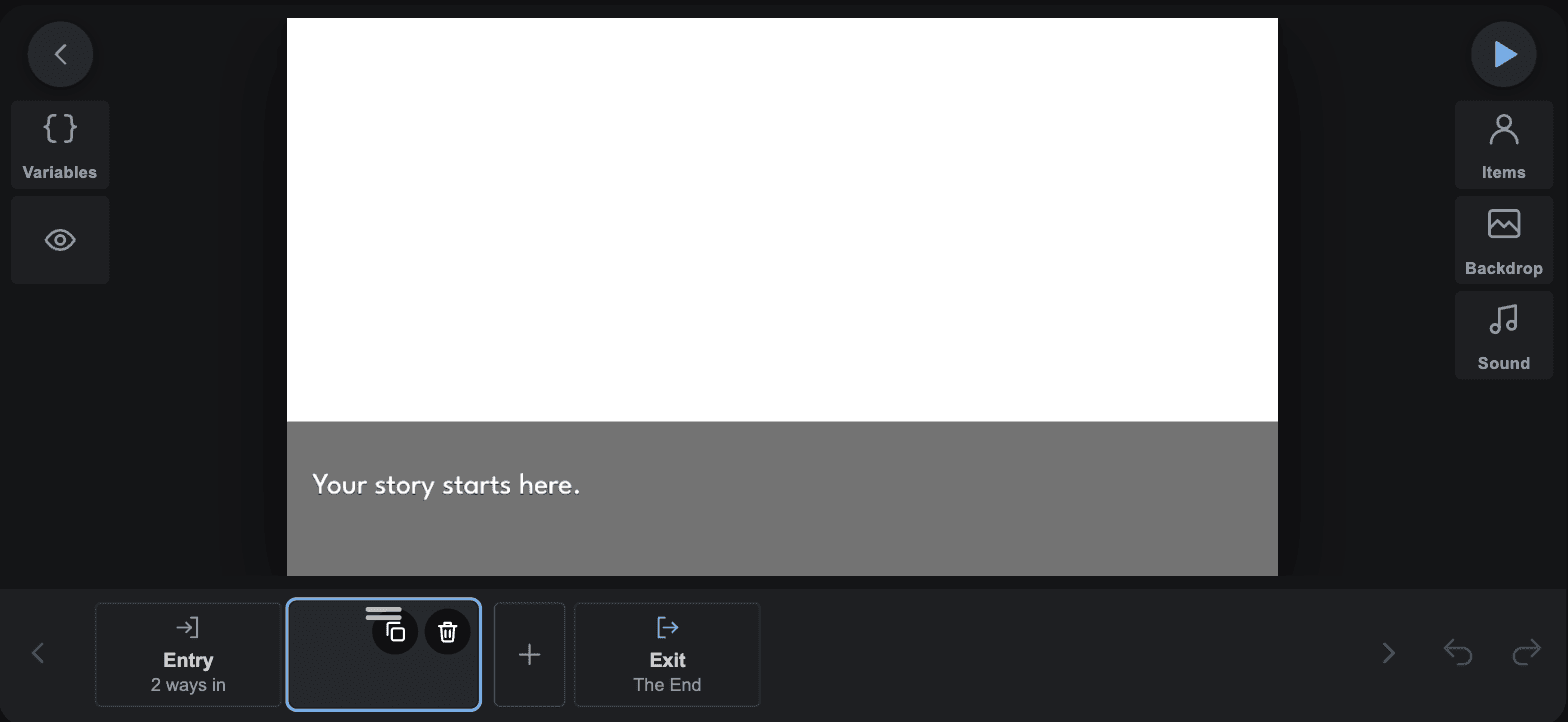
- Your phone turns to landscape and lands on a Stage that already exists, so there is no empty screen to stare at.
Bring in one other person
A writer and an artist on one game, at the same time, on two phones.
- Open Settings from the top of your project, then the Team tab.
- Tap Invite One Person. You get a link.
- Send it to them however you normally send things. They open it, and they are in.
- You both edit the same game live. There is no merging and nothing to sync by hand.
- One collaborator is what a free game gets. You do not have to publish first.
Bring in your art
Drawings, photos, music. Anything on your phone.
- Open the Library from the top of your project.
- Characters, Backdrops and Sounds each have their own shelf.
- Tap the plus to add one, then give it a picture from your phone.
- A character is a set of named costumes, so one character can have as many looks as you draw.
- You do not need to draw anything to start. A game made of words and colour is still a game.
Write it, beat by beat
A beat is one moment: who is on screen, what they say, what it sounds like. This is where a visual novel is actually written, and it is all tapping.
- Tap a stage on the Map to open it.
- The strip along the bottom holds your beats in order. It works the way a slide sorter does: tap one to open it, drag one to move it.
- Tap the plus in the strip to add the next beat.
- Tap the words on the stage to write the line. There is no script to learn and nothing to code.
- Tap a character to move them. Paperbox tweens from where they were to where you put them, so a move is something you place rather than something you time.
- Switch the strip to the time view to see when everything inside one beat lands: the backdrop, each person, the words, each sound.
- Press Play any time to read it back from the beginning.
Publish it and get your link
One tap, and your game has a permanent address anyone can open.
- Tap the export arrow at the top of your project.
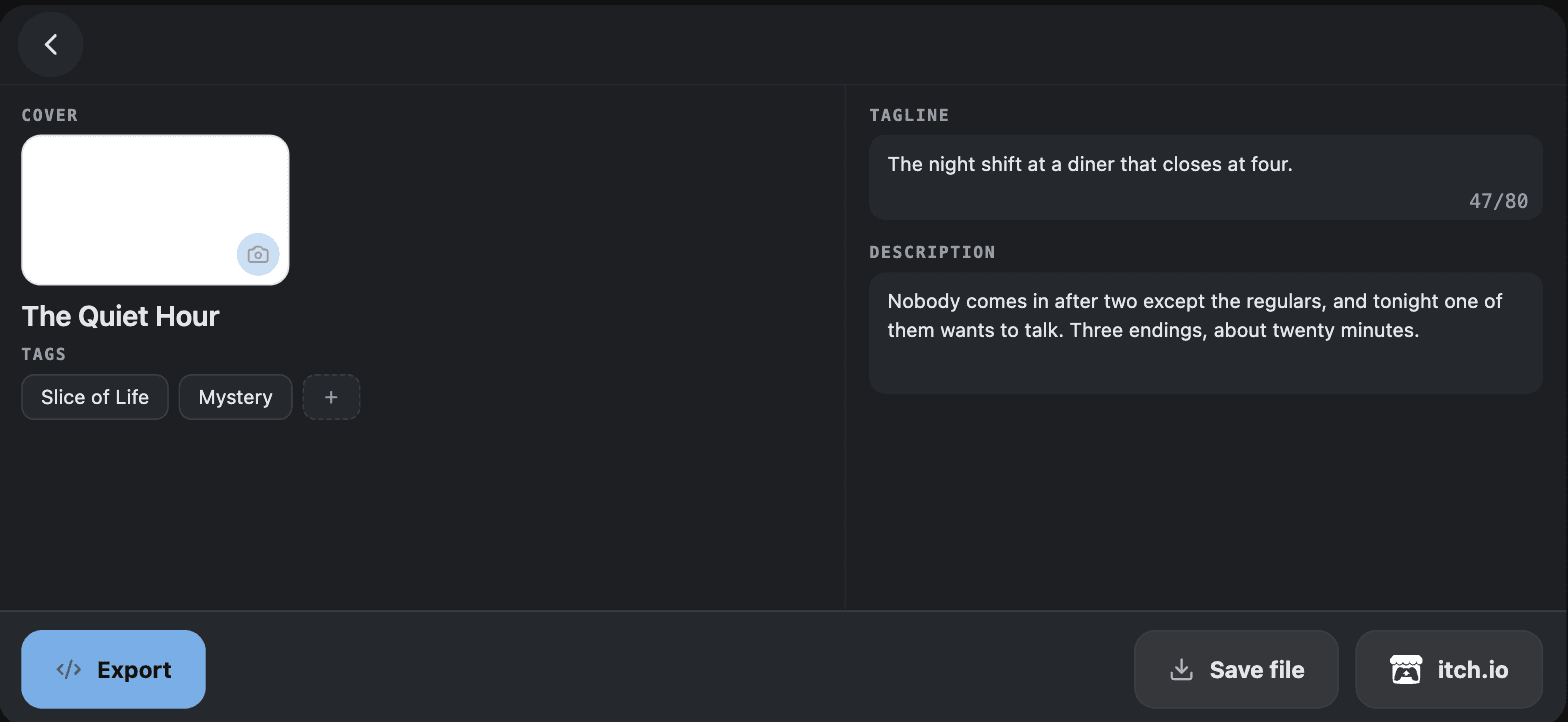
- Fill in the cover, tags, tagline and description. They are all on one screen, in any order.
- Tap Export. Sign in when it asks.
- You get a link. It works straight away, in any browser, with no install and no account.
- It never changes, so anywhere you post it keeps working when you publish again.
- Press Push after that to update the same link with newer work.
Where your game goes after that
A published Paperbox game is a web page, which means it is not stuck anywhere. The link opens in any browser with no install and no account, so it works in a Discord message, a reply, a bio or a group chat, and it keeps working when you publish an update to the same address.
You can take the same export elsewhere at the same time. Paperbox writes one self-contained HTML file, which is exactly what itch.io plays on a project page, so a lot of authors keep a Paperbox link for sharing and an itch page for a cover, comments and devlogs. Neither one replaces the other, and nothing asks you to choose.
If you would like your game on the Paperbox marketplace, you can ask from inside the app once your link is live. We do not take everything, and being passed over changes nothing about your link.
 JOIN
JOIN