Publish on Paperbox
Publishing gives your game a permanent link anyone can open in a browser. No install, no account, and it never changes.
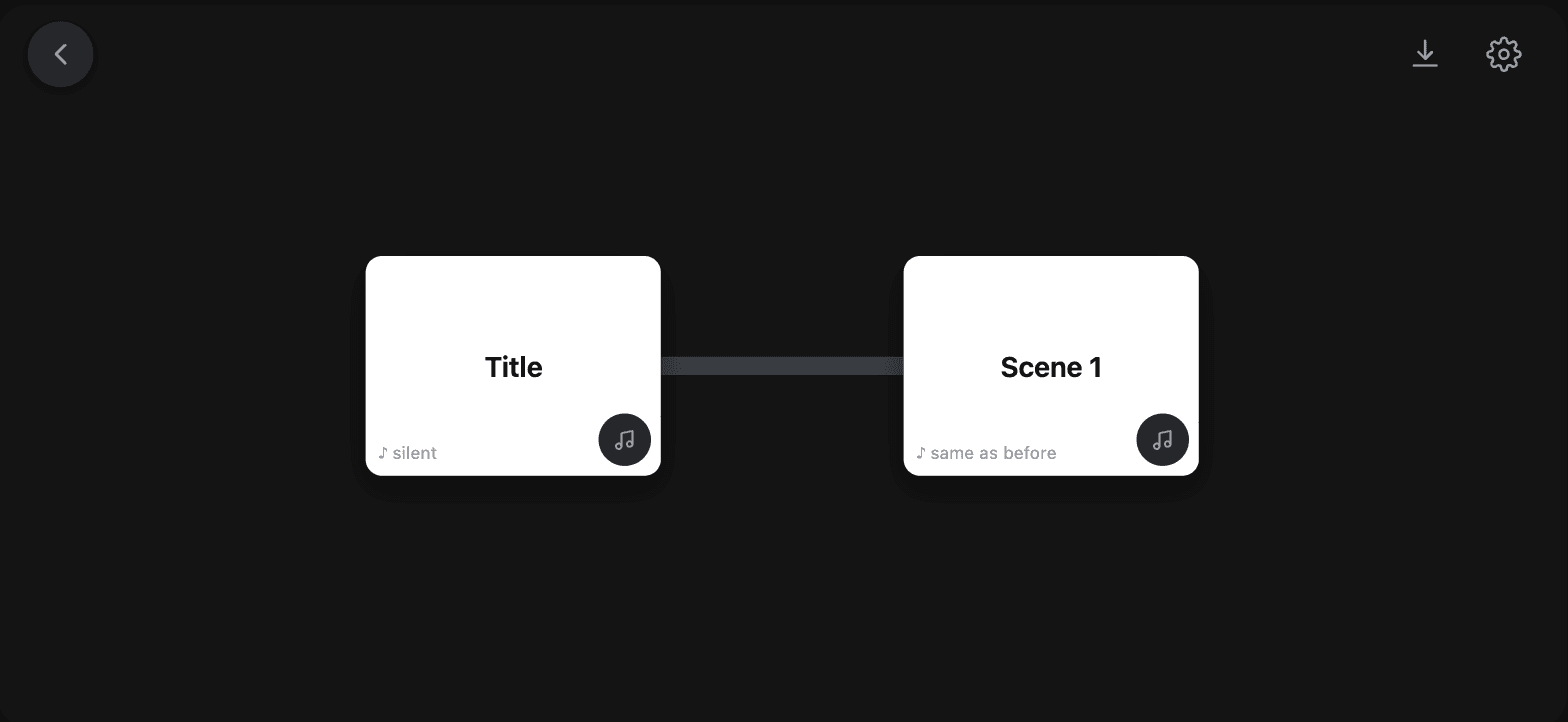
Open your project and tap the export arrow
It is the arrow pointing down, in the row of buttons at the top of your project. It stays greyed out until you have made at least one stage, because until then there is nothing to send. Tapping it opens Publish.
Write your tagline and description
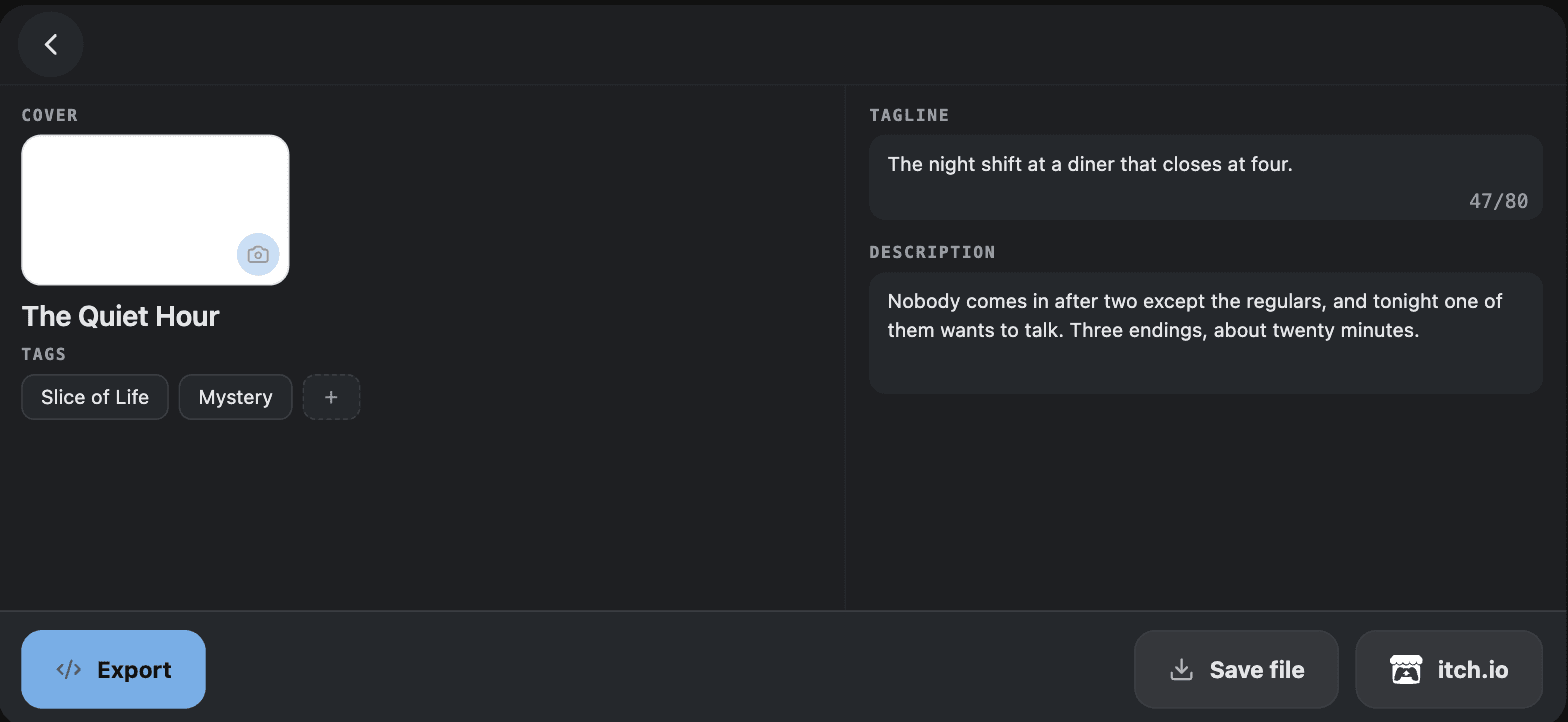
This and the next three steps all happen on one screen. Publish opens on Game, which is everything a stranger sees before they press play, and you can fill it in whatever order you like. The tagline is the one line somebody reads first. The description is what it is about, in a few sentences. Both can change later without uploading your game again.
Pick your tags
Tap the plus on the tag shelf and choose what kind of story it is. Tags are how somebody looking for a horror game finds yours. They are optional and they never hold up your link, but a game with no tags is much harder to come across.
Add a cover
Tap the camera on the cover to use a picture from your phone. If a beat you have already drawn would make a good one, Use This Beat puts it there without leaving the screen. Covers are 16:9, the same shape as the cards on the marketplace, so a picture that is a different shape gets cropped to fit.
Press Export
The big button at the bottom. It asks you to sign in the first time, because a link has to belong to somebody, and then it remembers. It writes the file and makes the link in one go, so there is nothing to upload yourself and no build to choose.
The numbers
- Cost
- Free
- Our cut of your game
- None, ever
- Your link
- Permanent
- Needed to play
- A browser
- Cover shape
- 16:9
 JOIN
JOIN